8 ways to use a year-at-a-glance calendar
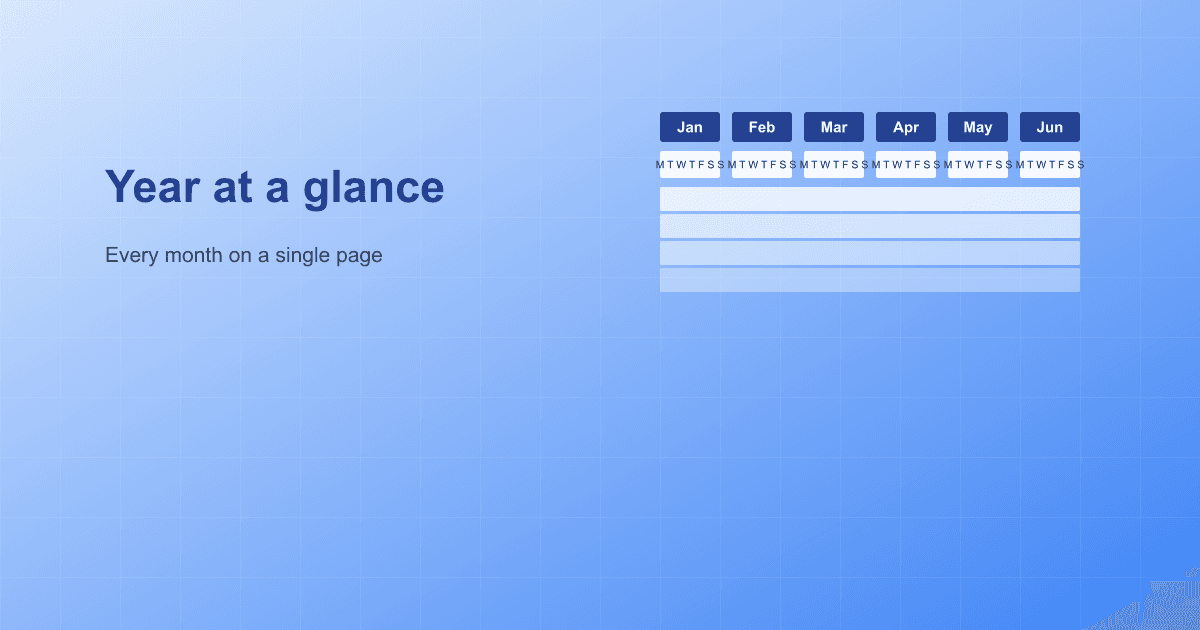
The Yearly template is the classic layout in CalendarPrint: every month side by side as a column of days, so you can take in a whole year at a single glance. It sounds simple, but the longer you use it, the more places it quietly replaces those expensive printed wall calendars.
Here are eight concrete ways people use it.
1. The family calendar on the fridge
The classic. Add birthdays as single-date events, shared holidays as date ranges, and switch on Show public holidays so the official days appear automatically. Print it in A3 landscape — that gives you enough room to read each date clearly and tick things off with a marker.
Tip: give every family member their own color. Click the little color swatch next to each event, and the list becomes easy to skim for "who needs to be where, and when".
2. The wall calendar at the office
At work, the value is a shared view the whole team can see. Add project milestones (deadlines, releases), internal events (all-hands, social days) and time off for key people. Use A2 or A3 so nobody has to walk up to it to read it.
Turn on Show year/date while you are at it. It is surprisingly easy to forget which year you are looking at once the calendar has been hanging there since January.
3. A school-year overview for teachers
If you teach the same class all year, one combined school-year view earns its place on the wall:
- Start month: August (or September), so the calendar follows the school year rather than the calendar year
- Number of months: 11–12, so the whole year fits
- Add term breaks as date ranges in a shared color
- Add exams and project deadlines as single dates in a different color
- Add parents' evenings as weekly or single-date events, depending on their rhythm
When the calendar runs from August 2026 to July 2027, the top bar automatically reads "2026 / 2027" — so there is never any doubt which school year is on the wall.
4. A season plan for a sports club
Season-based sports — football, handball, badminton — suit a calendar where you can see the whole season at once. Add matches as single dates, training blocks as date ranges, and fixed training days as weekly events ("every Monday", "every Wednesday").
Print one per player or per parent, or put a single A2 copy up in the clubhouse.
5. A calendar for clubs and associations
Board meetings, the AGM, social events, parties. An association with 10–20 activities a year can get all of them onto one sheet. Add your logo and the association's name to the top bar through the Heading field, and you have an overview worth handing to the members.
6. A personal year plan
Plenty of people use CalendarPrint entirely privately, to plan the bigger things in their own life: training goals, a reading list, trips, anniversaries, doctor and dentist appointments. It is genuinely hard to get a whole-year view of your life out of a digital calendar — the paper format invites a different kind of planning.
7. A study and exam overview
For students who want a semester, or a whole academic year, on one sheet of paper:
- Lectures as weekly events
- Hand-ins and exams as single dates in a strong color
- Revision periods as date ranges before each exam
- Print it in A3 and hang it above the desk. It is much harder to forget a deadline that stares at you every day.
8. A season overview for small businesses
The café, the florist, the hairdresser — anyone with seasonal swings or fixed weekly routines can use the Yearly template for:
- Peak periods (the tourist summer, the Christmas trade) as date ranges
- Closing days as single dates
- Fixed weekly routines as weekly events ("every Monday: delivery")
It is not as clever as a booking system, but if what you want is something on the wall that reminds you when things happen, a year calendar is surprisingly effective.
Tips that apply to all of them
Pick the paper size by reading distance. A4 works on a desk, A3 in a kitchen or utility room, A2 on an office wall. Landscape gives you more room per day and is almost always the right choice for a year calendar.
Use color sparingly. Three to five colors is plenty. Past that, the overview you were trying to create starts to disappear. Every color should mean something you can remember — a person, a category, a level of urgency.
Turn on the weekend color. Even a soft light blue on Saturday and Sunday makes it far quicker to find the right weekday by eye. The setting lives under Calendar color in the designer.
Print a black-and-white proof first. It saves both ink and irritation if there is a typo in one of your events. Once the calendar reads the way you want, print it in color on the good paper.
Ready to start? The designer is on the front page — pick Yearly as your template and experiment. When the preview looks right, click Download PDF and your print is ready.
Planning a project rather than a year? Have a look at our guide to the Gantt chart.